THE PAPER ANIMATORS WORKSHOP
Small projects.
Useful techniques.
Follow a complete example, understand the settings, then bring your own words and images. Start with a text match cut or choose the shot your story needs next.
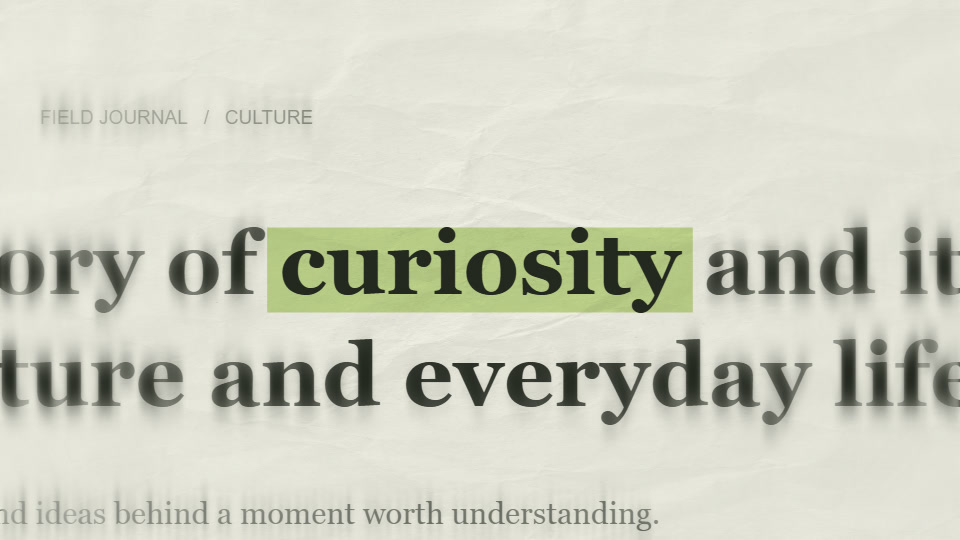
TEXT MATCH CUT / EDITING WORKSHOP
Make one word connect the sequence. This workshop takes “curiosity” from a plain idea to a newspaper-style title, then places it inside a short paper animation opener.
Follow the workshop →12-minute workshop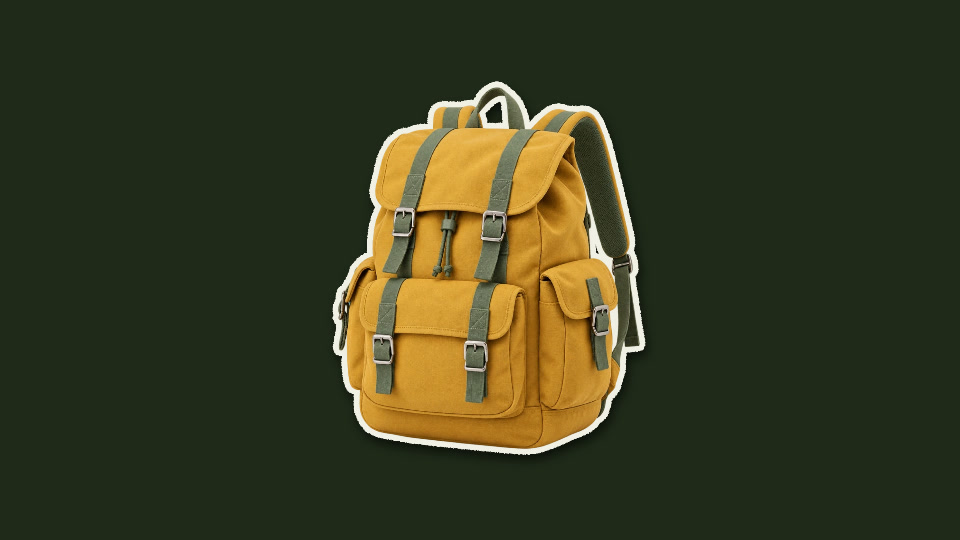
PAPER CUTOUT / PHOTO WORKSHOP
Give a still object a little movement while keeping its shape easy to read. This project uses a prepared backpack cutout to build a four-second product shot.
Follow the workshop →8-minute workshop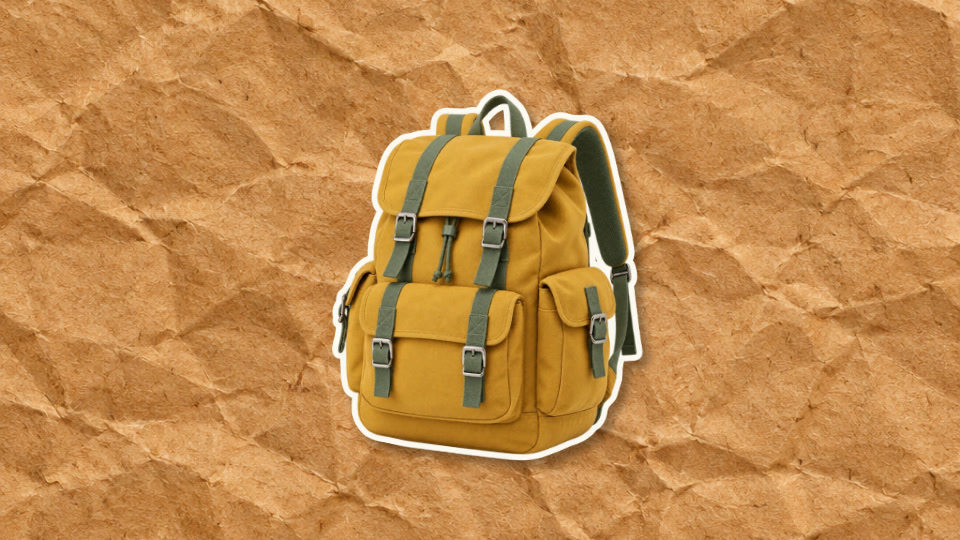
PAPER CRUMPLE / PRODUCT WORKSHOP
Let the entrance introduce the product, then give the viewer time to inspect it. This four-second example opens a paper form into the same backpack used in the cutout workshop.
Follow the workshop →8-minute workshop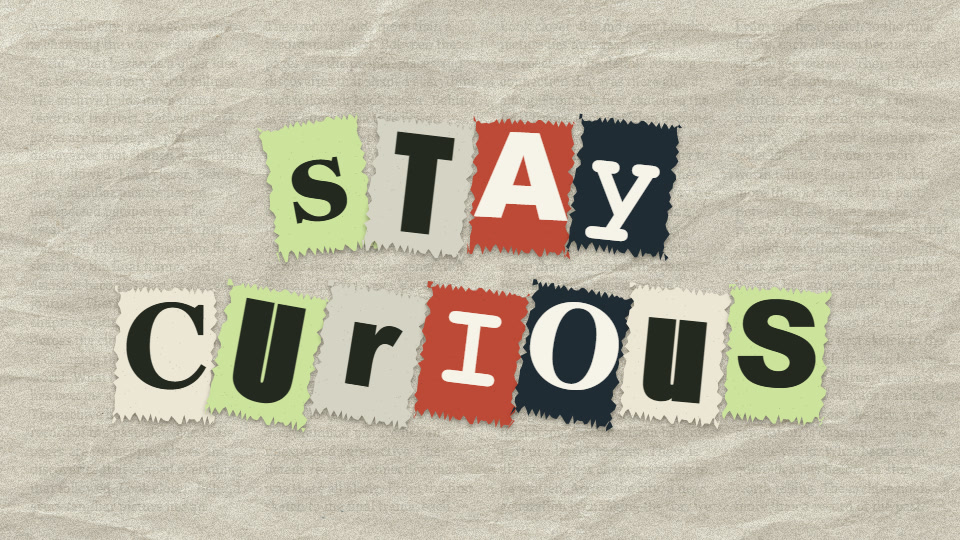
MAGAZINE LETTERS / TITLE WORKSHOP
Make the letters the subject of the shot. This project builds a short two-line title on cream paper, with enough time for the arrangement to settle before the next scene.
Follow the workshop →7-minute workshopLearn here.
Make it in the editor.
These workshops focus on composition, pacing and practical editing decisions. Tool controls and exports live on the main Paper Animators website.
