The reveal is only the first part of the shot
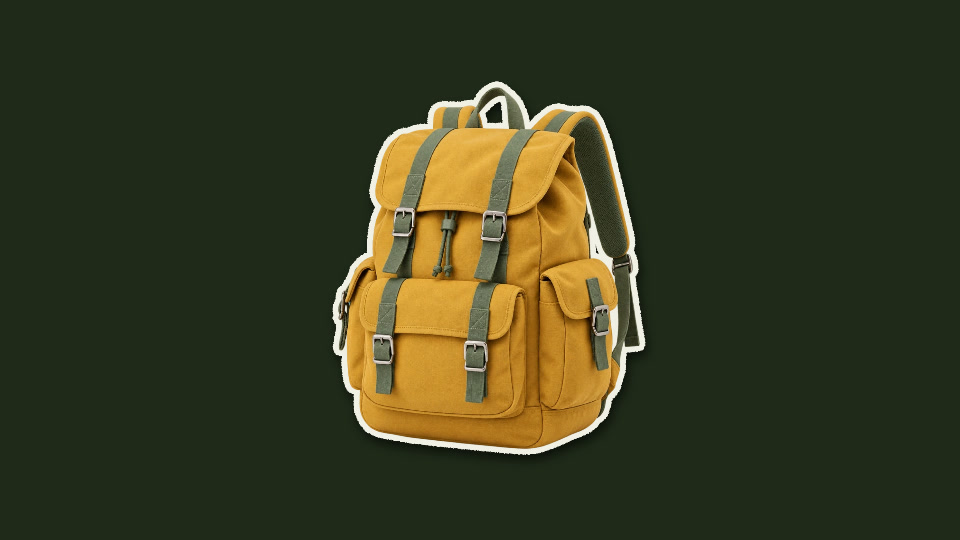
The folded opening draws attention; the final hold lets the audience identify the backpack. Both parts matter. A reveal that ends as soon as the product becomes visible gives viewers little time to understand what they saw.
For your own clip, decide what should happen after the reveal: a spoken product name, a caption or a cut to a closer detail. The effect works best as an entrance into that next beat.
1. Use a clean product silhouette
Prepare an image with a transparent background. The backpack example uses an existing cutout, so its straps and handle are separated from the original setting. Upload your image in Paper Crumple. If it still includes a background, remove that first and inspect the edges.
A clear silhouette makes it easier to understand the object as the paper opens. Check that the complete object fits in the frame. Do not crop off the feature you want to reveal, such as a bottle cap, handle or shoe heel.
Use the cutout workshop to inspect the same sample before the animation. Keep the prepared image available so you can use it consistently across different shots.
2. Balance the opening and the hold
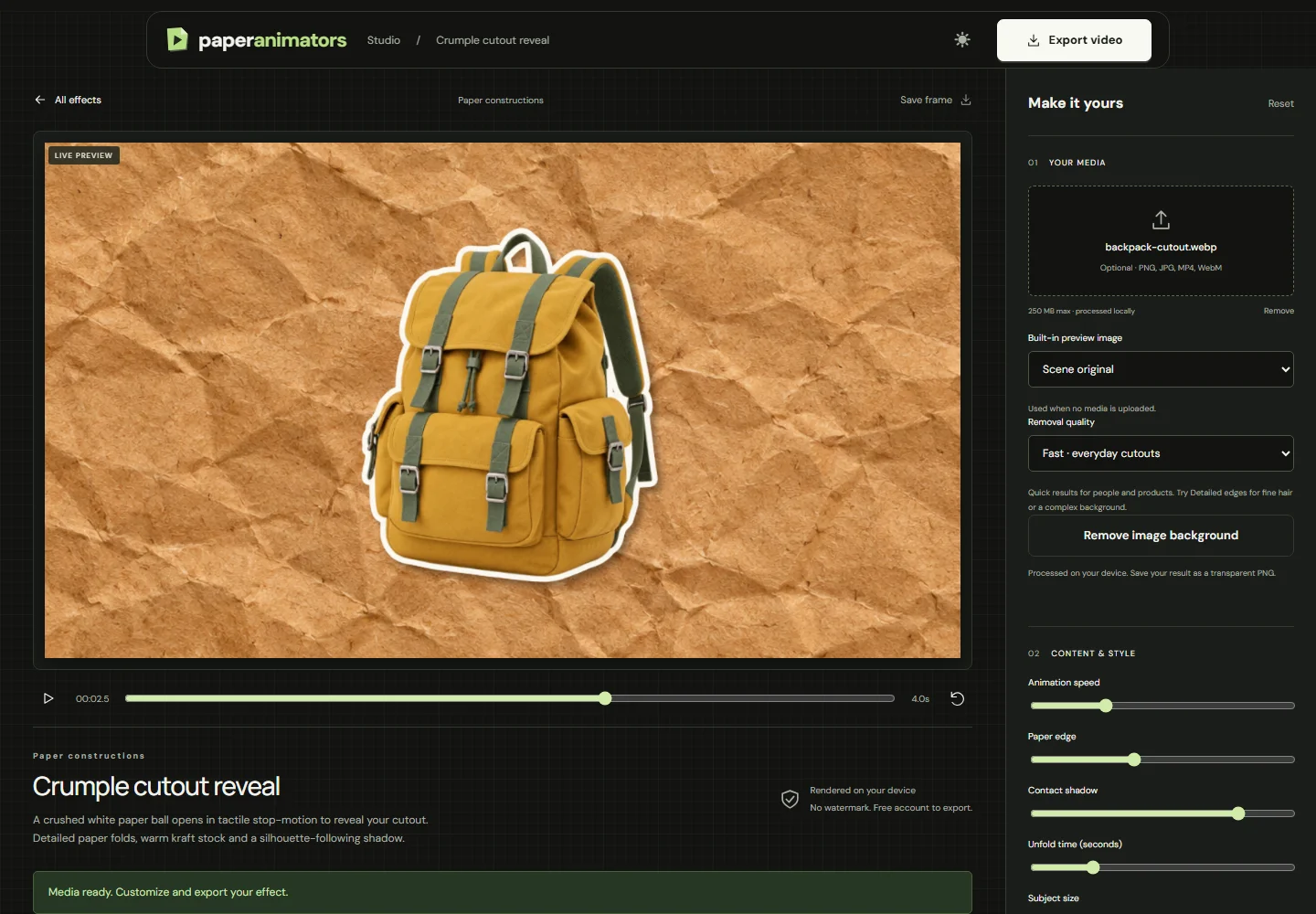
| Control | Value |
|---|---|
| Format | 16:9 |
| Duration (seconds) | 4 |
| Animation speed | 1 |
| Unfold time (seconds) | 1.5 |
| Subject size | 0.9 |
| Paper edge | 14 |
| Contact shadow | 0.8 |
At Animation speed 1, the selected 1.5-second unfold time leaves the rest of this four-second clip for the visible product and its subtle settling motion. If you change Animation speed, inspect the timing again; the unfold setting does not operate independently of playback speed.
Start with these values, then adjust Subject size for your image. A narrow bottle and a wide backpack need different framing even with the same output format. Keep the outline light enough that the subject remains recognisable.
3. Review three moments
- The opening frame. The folded paper must sit clearly inside the composition. Leave space around it so the entrance does not feel cramped.
- The opening movement. Watch the silhouette as it unfolds. Check that the object is not unexpectedly cropped or lost against the paper.
- The hold. Make sure there is enough time to identify the product before the next cut. If a label needs to be read, allow more time or follow with a close-up.
For vertical output, select 9:16 first and repeat all three checks. Do not judge the portrait version from a landscape preview. This is especially important for products with protruding handles, straps or wide packaging.
4. Connect the reveal to the next shot
Place the reveal where a new subject enters the story. In the six-second opener, the text shot introduces an idea and the crumple shot brings the object back into view. In a product demonstration, follow the reveal with footage that shows the object in use.
The sample sequence trims this clip to two seconds, leaving a short hold after the unfold. For a real product announcement, keep more of the four-second version if the viewer needs to read a name or inspect a detail. Add sound in your editing application if it supports the moment; the demo has no audio.
Export a solid-background clip for a full-frame shot. Where you need an overlay, enable Green-screen background and remove the green in your editor. Inspect the key around thin edges. Green areas of your own product may need a different compositing approach.
Troubleshoot the reveal
- The product appears too late.
- Shorten Unfold time or extend Duration. Review Animation speed before making either adjustment.
- The product disappears into the texture.
- Try a clearer input silhouette and inspect the final hold. A small, busy label may need its own detail shot.
- The outline looks chunky.
- Reduce Paper edge. Keep enough separation to make the silhouette readable against the background.
- The exported clip feels rushed.
- Keep more of the visible hold in the editing timeline. A faster entrance is not always a more useful shot.
Check the complete downloaded file before closing the editor. For browser or format problems, use export support. For pricing and free export limits, see plans.
Ready to make your own version?
Open the editor ↗