01
Give your photo
a paper edge.
Isolate a subject, add a rough cutout border, and choose a gentle wiggle or rocking motion. A simple way to give a portrait or product its own presence.
Open Paper Cutout ↗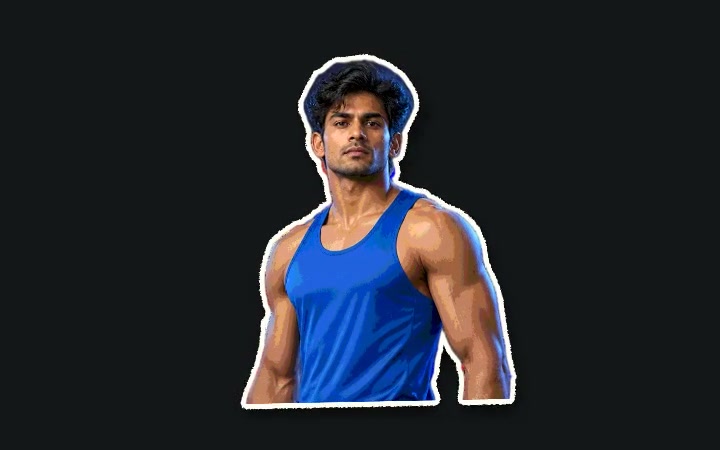
 Paper
PaperUse this paper animator to turn a photo into a moving cutout. Keep one word in focus as the world changes around it. Make the small moment your audience remembers.
Make a paper animationA fixed phrase. Changing print. One clear point.
Create a text match cut ↗A MATCH CUT, BUILT AROUND YOUR WORDS
In film, a match cut connects shots through a shared shape, position or movement. A text match cut uses a word as that connection: the phrase stays aligned while the page around it changes.
Use it to introduce a recurring idea in a documentary, emphasise a name in a video essay, or build an opener for a reel. Start with one short phrase and leave enough time for people to read it.
Follow the detailed Text Match Cut workshop →CHOOSE THE MOMENT YOU WANT TO MAKE
Isolate a subject, add a rough cutout border, and choose a gentle wiggle or rocking motion. A simple way to give a portrait or product its own presence.
Open Paper Cutout ↗Let a crumpled paper ball open into your cutout. Use the reveal to introduce a character, announce an idea, or give a still image a playful beginning.
Open Paper Crumple ↗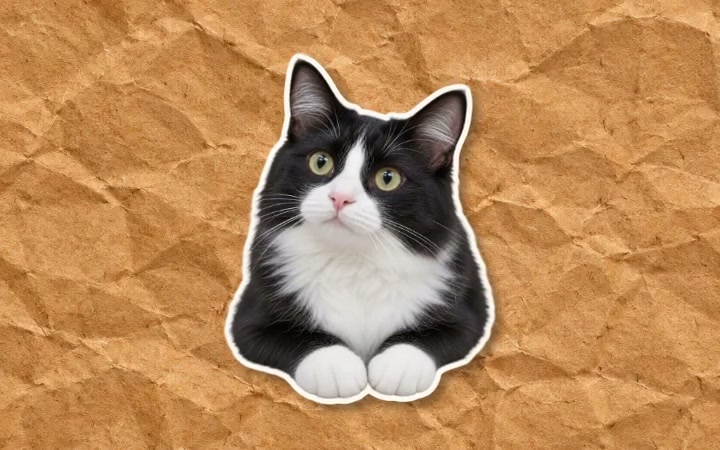
Choose the phrase, paper texture and highlight. Preview the rhythm as the surrounding print changes. This is a designed newspaper effect, ready for your own message.
Open Text Match Cut ↗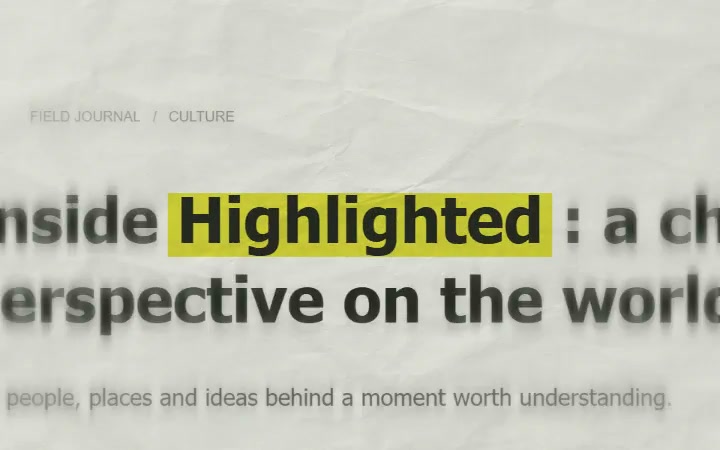
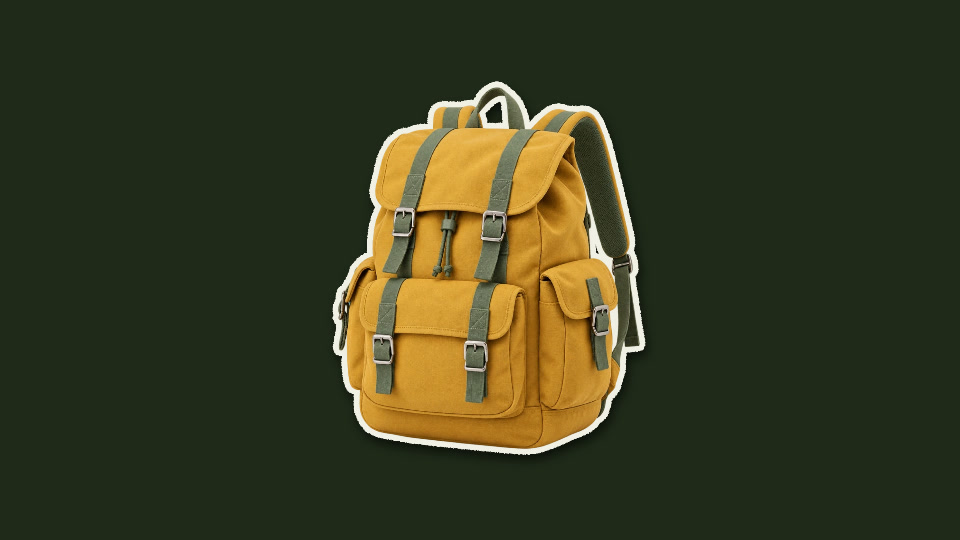
FROM PREPARED PHOTO TO PAPER
See what the border and background add to the same subject, then watch the finished cutout move.
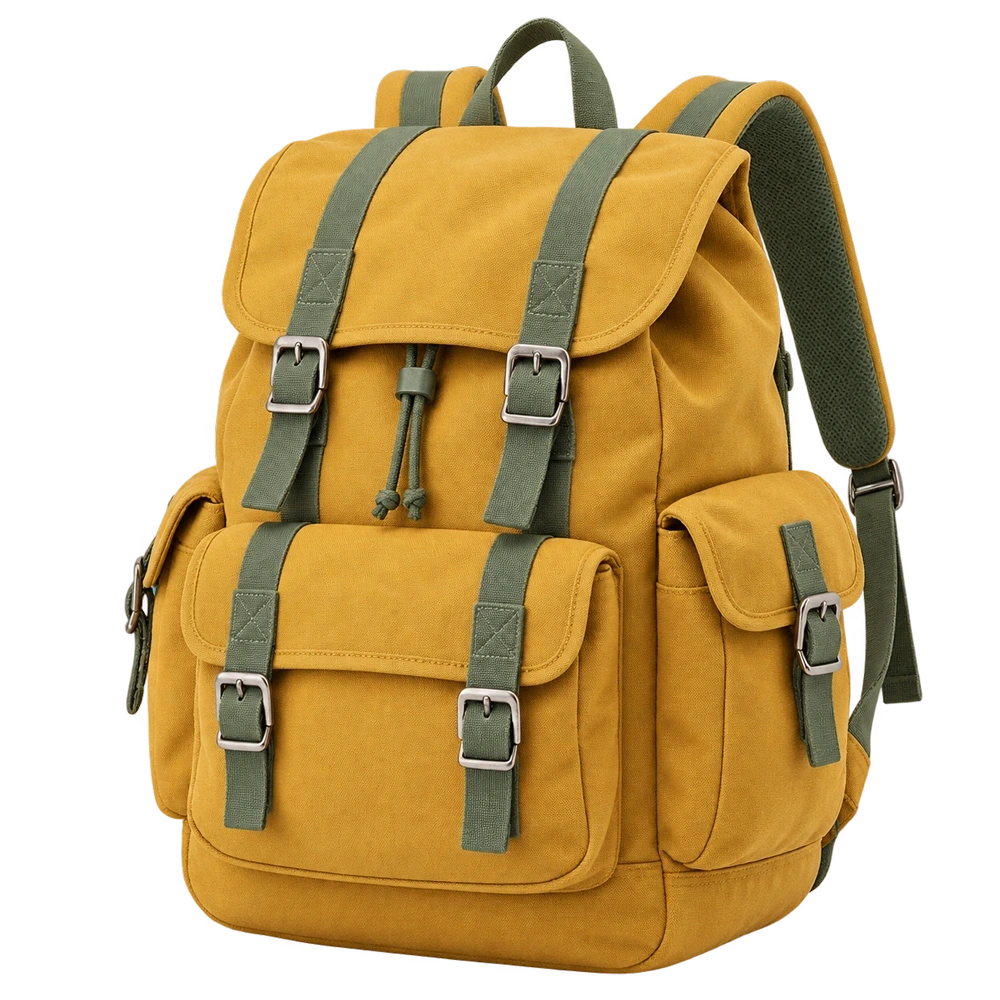
 AFTER / PAPER STYLE
START WITH THE JOB YOUR SHOT NEEDS TO DO
A moving border, a reveal and an animated headline solve different problems. Choose the effect that supports the message, then make the motion as simple as the shot allows.
| You want to… | Start here | Why it fits |
|---|---|---|
| Keep a person or product on screen | Paper Cutout | A subject with a paper edge and continuous movement. Useful when a voiceover needs a visual companion. |
| Introduce a subject with an entrance | Paper Crumple | The reveal creates a clear beginning. Leave a hold after it opens so the audience can recognise the subject. |
| Make one phrase connect several frames | Text Match Cut | A stable keyword gives the viewer an anchor while the paper and surrounding print change. |
| Give a title a handmade collage look | Magazine Letters | Individual cutout letters bring texture to a short title. Keep the wording compact. |
Need a different kind of motion? The video demo library shows photo transitions, map animations and titles before you open an editor.
FROM FIRST IDEA TO YOUR TIMELINE
Paper Animators gives it movement.
Start with a sample, finish with your own.
Pick photo cutout, paper crumple or text match cut. Open the editor and explore the example before adding your content.
Add your photo or words. Adjust the available paper, colours and motion. Check the framing and pace in the live preview.
Create a free account, export your clip, then import it into your video editor. MP4 where supported, with WebM as a fallback.
PUT THE EFFECT TO WORK
A paper animator works best when the animation helps explain something. Here are three ways to make the visual earn its place in your edit.
Pick a name, theme or recurring phrase from your narration. Use a newspaper text match cut as the phrase is spoken, then cut back to your footage. Keeping the word in one position makes the transition readable while the changing print gives it energy.
The generated newspaper background is illustrative. If the story refers to a real quotation or report, show and credit the actual source separately instead of treating sample print as evidence.
Build a short magazine-letter title, then cut to the person or idea it introduces. Give the words time to settle before the next shot. For a portrait-led intro, follow with a quieter cutout wiggle and check the framing on a phone before you export.
Keep the subject away from the space your final platform reserves for captions and interface controls.
Use your own product photograph, add a paper edge, and place it over a clean background. Let the animation introduce the object, then hold long enough for viewers to inspect it. Avoid a second busy effect when the product already has a detailed shape or label.
For a step-by-step explainer, use a short title between sections. Save the strongest transition for a meaningful change in the story.
A SMALL PROJECT TO TRY
Use this as a starting storyboard, then adjust it to your narration. Make each shot in the paper animator and arrange the exported clips in your video editor. This is a sequence you assemble, not a one-click template.
Start with a paper cutout of your person or object. Choose gentle movement so the audience can identify it immediately. A simple background leaves room for the story to develop.
Cut to a text match cut using a short phrase such as “small beginnings”. Keep the phrase comfortably inside the frame. If it takes longer to read, extend this shot instead of speeding up the words.
Use a crumple reveal to bring in the next image, then cut into your main footage. Match the paper colour or highlight to the earlier shot so the sequence feels related.
These timings are an editing suggestion. Preview the clips and leave room for their entrances and readable holds. Add music or narration in your editing timeline; the effect demos shown here are silent.
MAKE THE NEXT SHOT YOURSELF
Start with the Text Match Cut workshop, then build the photo shots around it. Each project includes a playable example, settings and practical checks.
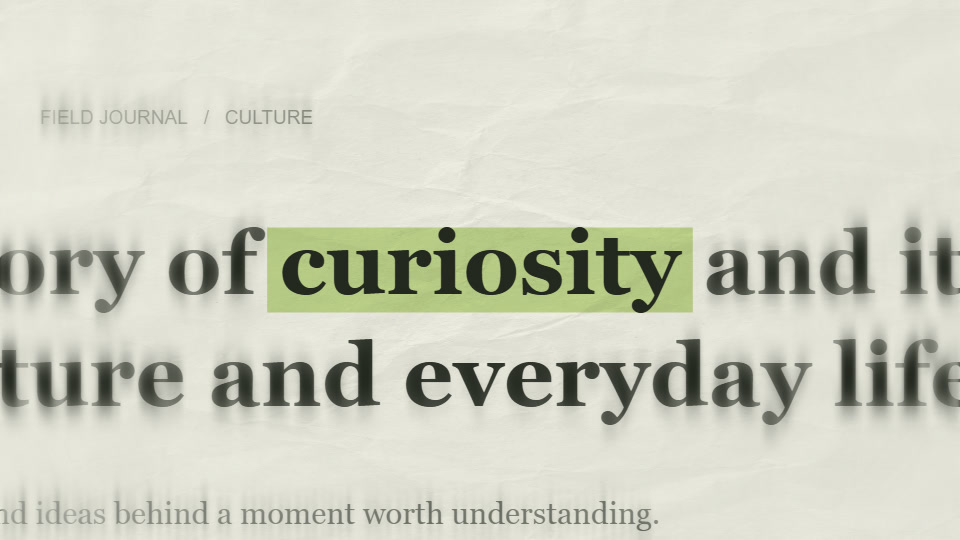
TEXT MATCH CUT / EDITING WORKSHOP
Make one word connect the sequence. This workshop takes “curiosity” from a plain idea to a newspaper-style title, then places it inside a short paper animation opener.
Follow the workshop →12-minute workshopPAPER CUTOUT / PHOTO WORKSHOP
Give a still object a little movement while keeping its shape easy to read. This project uses a prepared backpack cutout to build a four-second product shot.
Follow the workshop →8-minute workshop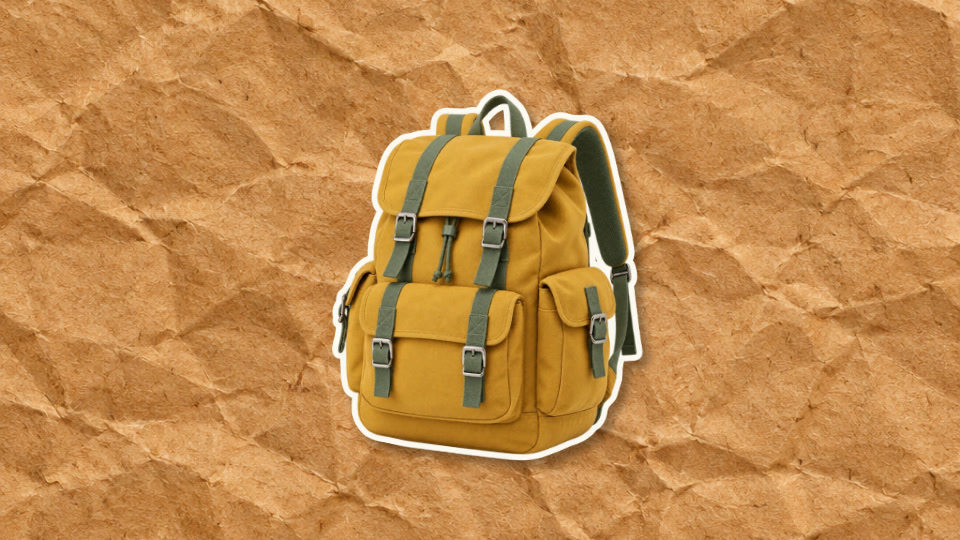
PAPER CRUMPLE / PRODUCT WORKSHOP
Let the entrance introduce the product, then give the viewer time to inspect it. This four-second example opens a paper form into the same backpack used in the cutout workshop.
Follow the workshop →8-minute workshop
MAGAZINE LETTERS / TITLE WORKSHOP
Make the letters the subject of the shot. This project builds a short two-line title on cream paper, with enough time for the arrangement to settle before the next scene.
Follow the workshop →7-minute workshopSMALL ADJUSTMENTS, BETTER RESULTS
A clear subject is easier to read than a crowded scene. Check hair, hands and product edges after background removal. If the original photo is small or blurred, a larger export will not restore missing detail.
Paper grain and torn edges create character, but they should support the subject. Use enough contrast between your text, highlight and paper. For the newspaper effect, reduce distracting surrounding detail with the available print-blur control.
One word or a short phrase works well for a text match cut. Watch the sequence at normal speed, not just while scrubbing. If the message feels rushed, shorten it or give the shot more time.
Landscape 16:9 and portrait 9:16 tell different visual stories. Set the available output format before the final polish, then check the subject and headline in that frame. Keep important details away from the edge, especially if you will crop again later.
THE HANDOFF TO YOUR EDIT
Your paper animator preview is a place to check composition and timing. Before downloading, watch the full motion once, confirm the output format, and decide how the background will fit your edit.
Use a solid or paper background when the animation will fill the frame. Import the MP4 or WebM into your editor and trim it to the moment you need. Leave a little space after the main movement for a comfortable edit point.
Where the effect supports it, choose green screen and remove the green with your editor’s chroma-key controls. An ordinary MP4 is not transparent. Paper Cutout can also save a still cutout as a transparent PNG when you need an image instead of motion.
Keep the browser tab open while your device renders. Check the downloaded clip for framing, text and timing. If your browser offers WebM and your timeline needs MP4, use the video tools to find a suitable conversion workflow.
MORE WAYS TO TELL THE STORY
Preview another effect before opening its editor. Each example links to its full video demonstration.
Your highlighted word stays aligned as printed pages, typefaces and creased paper change around it.
Turn a photo or short video into a torn-edge paper sticker. Customize the outline, print treatment, shadow and motion.
A crushed white paper ball opens in tactile stop-motion to reveal your cutout. Detailed paper folds, warm kraft stock and a silhouette-following shadow.

Individually printed paper letters assemble with varied depth and rotations.
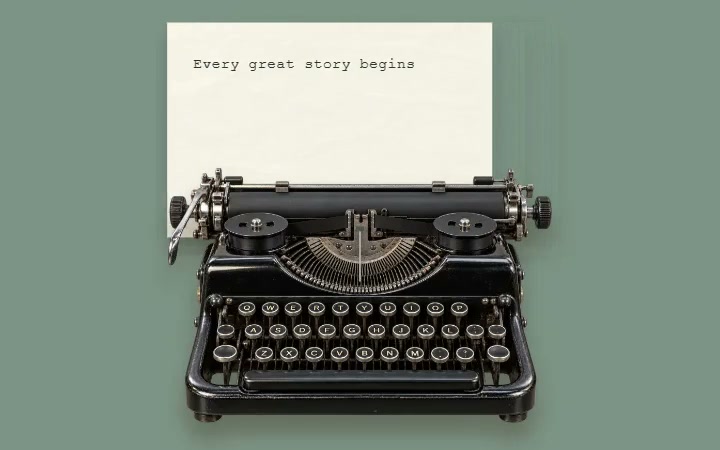
A mechanical desk composition with moving paper, a striking typebar and editable typed text.

A rough paper edge pulls across the frame to reveal your next image. Designed as a reusable transition between two shots.
Try 3 lifetime 720p video exports with a free account. No watermark. Unlimited plans add 1080p exports.
Compare plans and export options ↗A FEW THINGS TO KNOW
A paper animator turns photos or text into moving paper-style compositions. Paper Animators includes cutout borders, crumple reveals, magazine lettering and newspaper text effects that you can customise in your browser.
A match cut connects two shots through a shared shape, position or movement. A text match cut applies that idea to a word or short phrase: the text stays in the same position while its surrounding pages or context change.
Yes. Open the Text Match Cut editor, enter a word or short phrase, and adjust the available paper, typography, highlight and timing controls. The surrounding print is designed sample text; it is not a search of real newspaper archives.
Editing and previews are free. A free account includes 3 lifetime 720p video exports without watermarks. Unlimited plans add 1080p exports. Check the pricing page for current plans.
Yes. Download the clip and import it into your editing timeline. MP4 is available where the browser and editor support it, with WebM as a fallback. For overlays, use a supported green-screen background and remove the green in your video editor. MP4 does not preserve a transparent background.
The tools work in your browser. Current desktop Chrome or Edge is recommended for exporting video. Create a free account when you are ready to export, and keep the editor open while your device renders the clip.
YOUR NEXT SHOT STARTS HERE