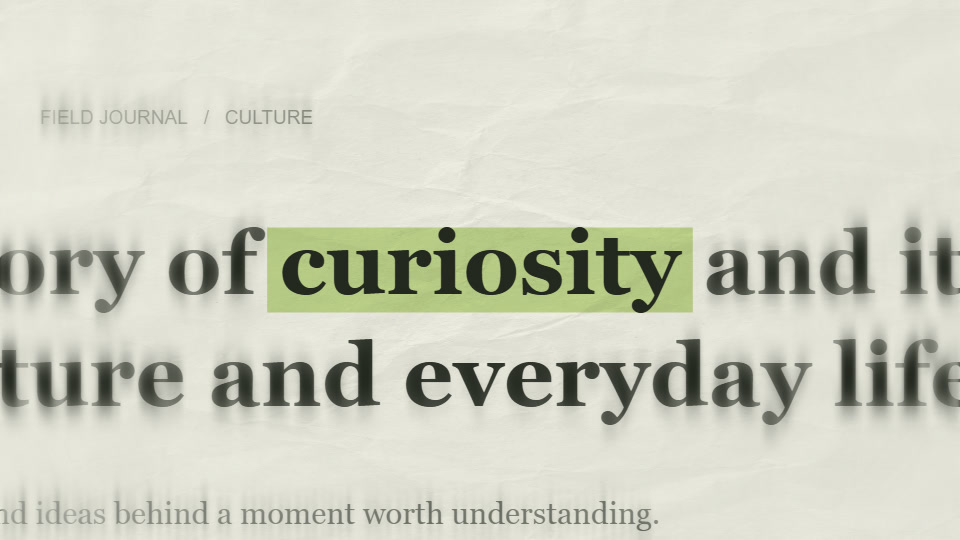
A collage title with one clear message
The individual letters arrive and form a readable phrase. Unlike the text match cut, where a word anchors changing pages, this effect makes the assembly of the title the main event.
Use it for a chapter heading, creator intro or short message. When the title appears, give it the frame: avoid placing another equally strong caption or animated element beside it.
1. Plan the line breaks before the decoration
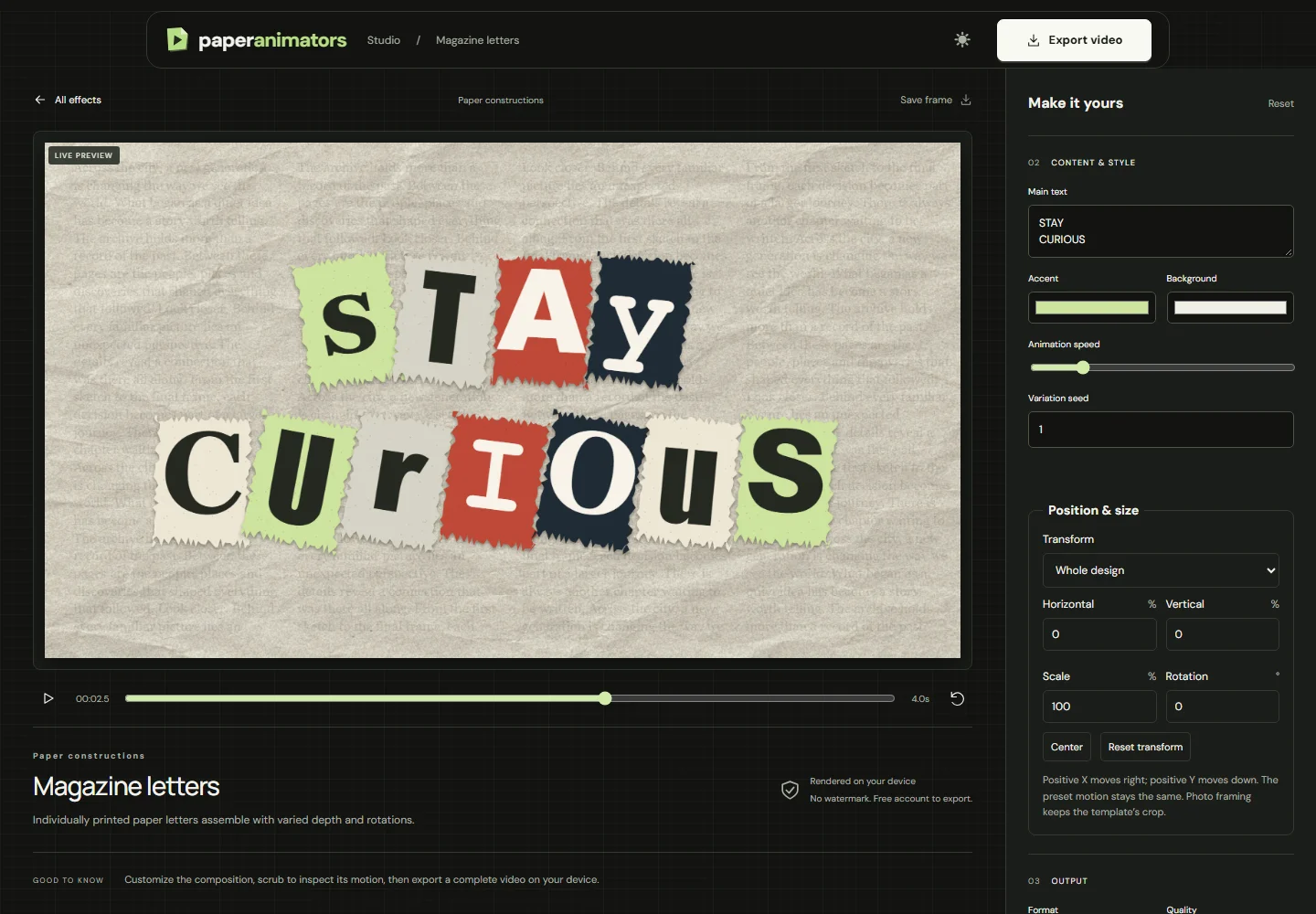
Write a short phrase that makes sense on its own. The example uses two lines: STAY and CURIOUS. A line break is a composition decision; it controls how the viewer groups the words.
Compare the length of the two lines. A much longer second line can change the balance of the title. If the phrase becomes crowded, edit the wording before trying to make every letter smaller. Put supporting information into narration or the following shot.
Open Magazine Letters and enter the phrase with the line break. Preview the completed arrangement before judging the entrance animation.
2. Recreate the example
| Control | Value |
|---|---|
| Text | STAY CURIOUS |
| Format | 16:9 |
| Duration (seconds) | 4 |
| Animation speed | 0.75 |
| Background | #f1f0e5 |
| Accent | #cde39d |
The paper background stays quiet so the different letter treatments remain the focus. The editor creates the individual cutout appearance; this workflow is not an upload-and-arrange editor for your own alphabet images.
The Accent setting is included for reproducibility, but the collage uses its own varied letter treatments. Do not expect every letter to become one uniform colour. Judge the complete word shapes and contrast in the preview.
3. Give the letters time to arrive and settle
Watch the clip from the first frame. Find the point where the full phrase becomes readable, then leave a hold after that moment. If you trim away the hold, the audience has to read while the letters are still arriving.
Animation speed changes the entrance timing. Start with 0.75 as in this example and compare it with the default pace. A longer title needs its own review; the settings that work for two short words are not automatically right for a sentence.
For 9:16 output, change Format and review the line breaks again. The narrower composition may benefit from a different arrangement. Check at phone size and reserve room for the platform’s controls and any subtitles.
4. Use the title as a chapter boundary
Place the clip at a meaningful change: a new section, an introduction or a closing thought. Let the previous shot finish its job before the title arrives. After the title holds, cut to a visual that develops the phrase.
You can pair this title with a moving paper cutout, but make one element dominant at a time. A full-frame title followed by a full-frame product shot is often easier to follow than several simultaneous effects.
If you want a fixed word surrounded by changing print instead, use the Text Match Cut workshop. Choose the effect based on the role of the text in the sequence.
Export and check
Export the final aspect ratio and available quality, then inspect the downloaded clip. Confirm the spelling, line breaks, completed title and length of the hold. Add music or narration in your video editor; this example is silent.
A free account includes three lifetime 720p video exports without watermarks. Unlimited plans add 1080p. MP4 depends on browser support, with WebM as a fallback. See current plans and export help.
Can someone read the whole title on the first viewing? Does the next shot explain or develop it? If either answer is no, adjust the wording or timing before adding another effect.
Ready to make your own version?
Open the editor ↗